
PH delivery super-app
Basta sa Rapidoo Delivery, we gotchu! Food, parcels, pabili. Hatid agad, kahit saan.

Our promise
Our promise
Basta sa Rapidoo Delivery, we gotchu. Food, parcels, pabili: hatid agad, sa city man o sa isla. Kahit saan, kahit kailan.
Zoom zoom
Hatid agad.
Walang drama.
Riders on the road all day, matched in seconds. Ang order mo, nasa pinto mo na bago ka pa mainip.
- average delivery time
- 30 min
- deliveries completed
- 50K+
- average rider rating
- 4.9★
*Illustrative figures, for placement only.

Paano?
Order to door, in four stops.
Step 1: I-order sa app
Food, parcel, or pabili: a few taps lang.
Step 2: Rider picks it up
The nearest Rapidude grabs your order.
Step 3: On the way na!
Zoom zoom through the city.
Step 4: Delivered!
Basta sa Rapidoo, we gotchu.
Kahit saan sa Pinas
Beach? Bundok?
Barangay?
Rapidoo goes where you are. Sa city man o sa isla, abot ka namin.




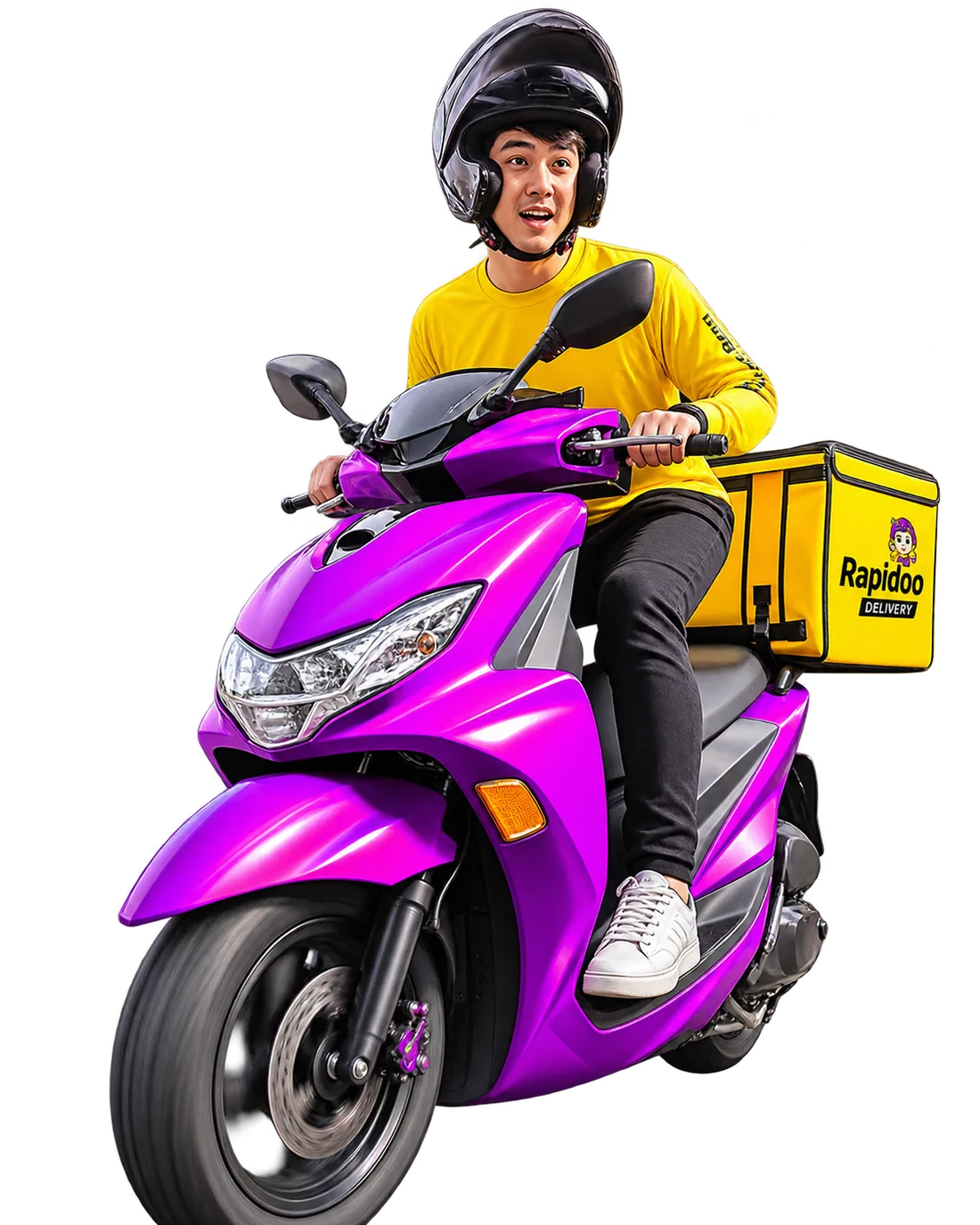
Tabi-tabi po!
May paparating na Rapidude… keep scrolling.
Watch
Out!
Mabilis, maingat, at laging on time.
*Joke lang po ang gulo. Safety first lagi ang mga riders namin.
The fleet
Malaki ang padala?
Rapidoo Van na!
- Parcels
- Food
- Pabili
- Bulk & business
- Same-day

Join the crew
Be a Rapidude!
Five steps lang, rider ka na. Kita sa sariling oras, kasama ang buong Rapidoo fam.
- Step 1Message us on FacebookSay hi to the Rapidoo Riders page.
- Step 2Select “Apply as Rider”Pick the rider option in the chat menu.
- Step 3Follow the Google FormFill in your details and requirements.
- Step 4Download the Viber appThis is where we'll coordinate with you.
- Step 5Wait for your orientation linkWe'll email it. Then, welcome to the crew!

Get the app
Scan. Download. Order na!
I-scan ang QR code or tap a store below to get Rapidoo on your phone.
Ready to ride?
Riders, partners, customers. Tara na!
Apply as a Rapidude or download the app. Either way, we gotchu.
May negosyo ka?
Go to the Merchant Portal →
Social
Follow us on TikTok!
Be part of our journey and catch all the latest sa pinaka-bagong superapp na para sa'yo. Let's ride together, on TikTok and beyond!
Tip: swipe the top card left or right to shuffle the deck.